… and what you’ve never read about them:
So, one of the most important reasons (besides the buzzword stuff), for me, is that I hear my colleagues. Not just WHAT they say, but HOW they say it.
(more…)… and what you’ve never read about them:
So, one of the most important reasons (besides the buzzword stuff), for me, is that I hear my colleagues. Not just WHAT they say, but HOW they say it.
(more…)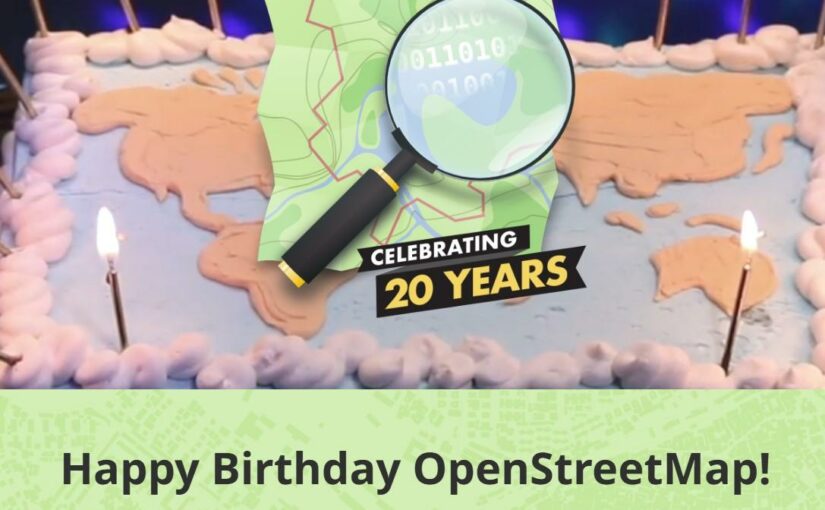
“In just twenty years, OpenStreetMap grew from a small UK-based mapping project into the largest crowdsourced and crowd-worked geospatial project of all time.” [Happy Birthday OpenStreetMap – Celebrating 20 Years]
I can’t even remember how I came across one of the best projects that we have. But I am super happy that Steve Coast started it, and that I decided to join.
I just checked and saw in my profile that I registered at 2010-04-30. But I do remember that I never wanted to contribute to GoogleMaps but contribute to a true OpenData project.
(more…)I just read an article on t3n about reasons to be in the office and reasons to stay in the HomeOffice. It’s an interesting read, just at one point I could have screamed (maybe I even did)! 🤦♂️
(more…)You can talk a lot about agility and transformation etc. – I believe there are 3 basic pillars and EVERYONE can contribute to “change”:
Those three tings alone are already a turbo for many small things that are simply super boring in the masses.
But also the other way round: if one of the three points is missing, save the energy – it won’t be successful.
The bonus is public praise for everyone involved in the project (project participants != only project managers) – but let’s start with the basics ;-)
I still don’t know why it triggers me so much when managers talk about “(Gen)AI” with such fascination. Maybe because I get the feeling that they tell themselves that IT problems will magically disappear?
But … what does ChatGPT say … the AI for sure must know (*cough*)
(more…)(✅ clickbait title)
Recently I attended a GenAI event organized by <big company>. All professional, interesting, insightful. Really good. (Really! I mean it! No sarcasm.)
Until it hit me like a blow during a discussion:
I DO KNOW the whole plot already!
(more…)Microsoft / Outlook.com have silently removed connected accounts from outlook.com on July 1st, 2024.
TL;DR: Connected accounts are gone and cannot be fixed :-(
I only got aware of it as some people told me that my eMails were marked as “unverified sender” on their side. And indeed, eMails were suddenly sent via the outlook email server. Before I sent the mails through the SMTP server of my hosting provider.
(more…)In the last couple of weeks it happened repeatedly that I wanted to follow a company’s blog – just to see that they have a blog but no RSS feed!
It’s surprising and a bit disheartening to see companies investing time in writing / maintaining a blog without providing an RSS feed – even though any proper content management system would provide the functionality.
(more…)
TL;DR: just add “.rss” to a mastodon profile or tags or user-tags to get an RSS stream! My photography profile @hikingdude@mastodon.social for example can easily be followed by an RSS Reader by following https://mastodon.social/@hikingdude.rss.
No account required! And that’s not even the end! 🤯
(more…)